

Introduction: ORM vs raw query
“If the only way you know how to talk to the database is to shout SQL, it’s time to learn its language.”
The sentence may sound cliché, but it captures the reality of modern application developers. While raw queries give you total control, they also bring cognitive load, risk of SQL injection, and painful maintenance. An ORM (Object‑Relational Mapping) abstracts the persistence layer, letting you work with typed objects, versioned migrations, and, best of all, autocomplete and validation in your editor.
Prisma has been gaining traction in the TypeScript ecosystem by combining the productivity of an ORM with the performance of optimized queries. In this article we’ll walk through the entire lifecycle of a data model – from schema definition to query optimization – using a project‑management SaaS example. If you already use Node.js/TypeScript, you’ll see that Prisma can be the “safety net” your stack was missing.
Modeling the schema of a SaaS
Let’s start by defining what our SaaS needs:
| Entity | Description |
|---|---|
| User | Platform user (admin, manager, member) |
| Organization | Company or team that groups users |
| Project | Project inside an organization |
| Task | Task belonging to a project |
| Invitation | Invite for new users to join the organization |
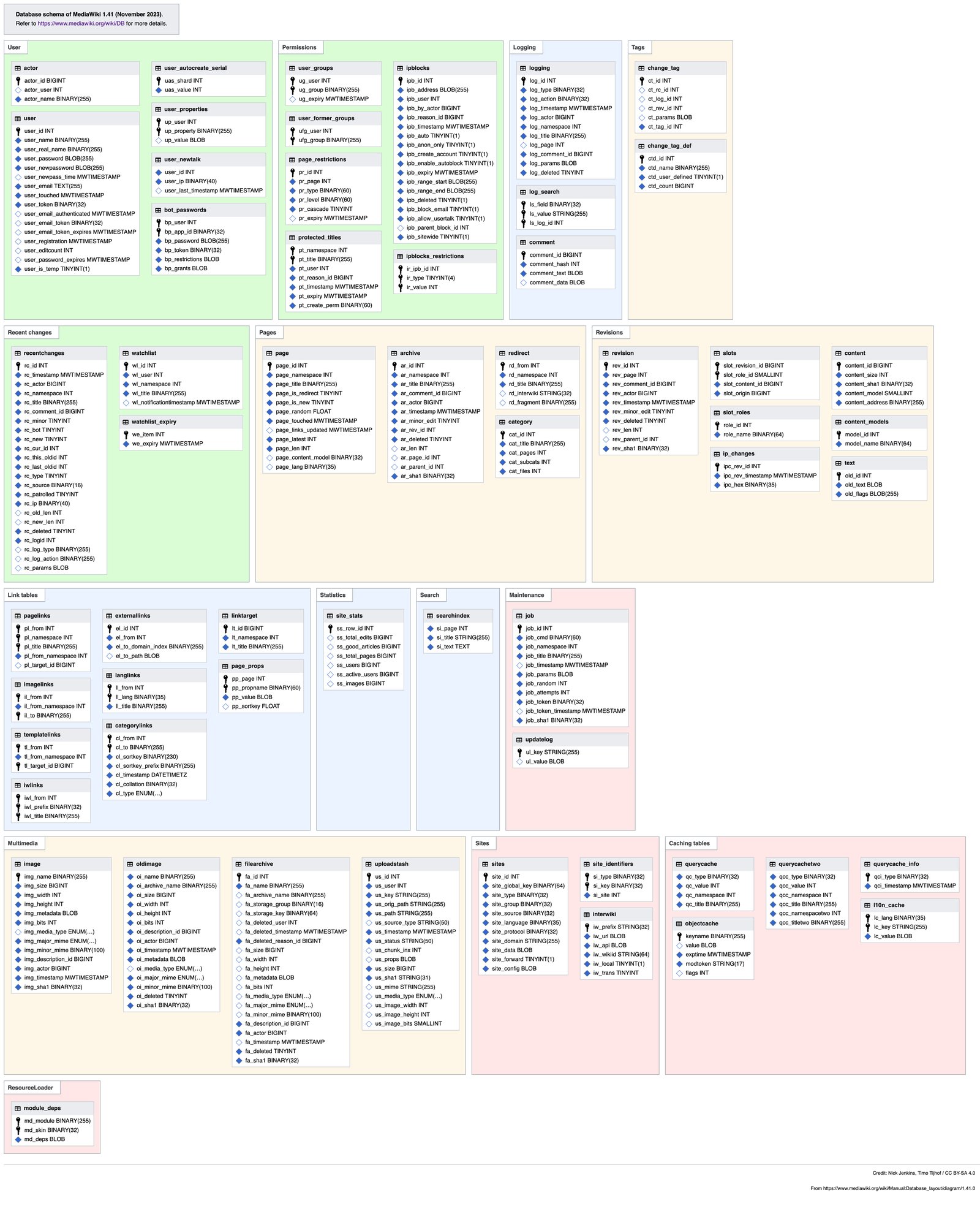
1. Installing Prisma
npm install prisma --save-dev
npm install @prisma/client
npx prisma init
The prisma init command creates the prisma/ folder with the schema.prisma file and a .env for the connection. Set the DATABASE_URL variable to point to your PostgreSQL (or MySQL, SQLite, etc.).
2. Defining the schema
// prisma/schema.prisma
generator client {
  provider = "prisma-client-js"
}

datasource db {
  provider = "postgresql"
  url      = env("DATABASE_URL")
}

model User {
  id              String          @id @default(uuid())
  email           String          @unique
  name            String?
  passwordHash    String
  role            Role            @default(MEMBER)
  organizationId  String?
  organization    Organization?   @relation(fields: [organizationId], references: [id])
  invitationsSent Invitation[]    @relation("SentInvitations")
  invitationsRecv Invitation[]    @relation("ReceivedInvitations")
  tasks           Task[]          @relation("Assignee")
  createdAt       DateTime        @default(now())
  updatedAt       DateTime        @updatedAt
}

model Organization {
  id          String   @id @default(uuid())
  name        String
  domain      String   @unique
  ownerId     String
  owner       User     @relation(fields: [ownerId], references: [id])
  members     User[]   @relation("OrganizationMembers")
  projects    Project[]
  invitations Invitation[]
  createdAt   DateTime @default(now())
  updatedAt   DateTime @updatedAt
}

model Project {
  id              String   @id @default(uuid())
  name            String
  description     String?
  organizationId  String
  organization    Organization @relation(fields: [organizationId], references: [id])
  tasks           Task[]
  createdAt       DateTime @default(now())
  updatedAt       DateTime @updatedAt

  @@index([organizationId, name]) // fast lookup by name within the org
}

model Task {
  id          String   @id @default(uuid())
  title       String
  description String?
  status      TaskStatus @default(TODO)
  priority    Int        @default(0)
  projectId   String
  project     Project    @relation(fields: [projectId], references: [id])
  assigneeId  String?
  assignee    User?      @relation("Assignee", fields: [assigneeId], references: [id])
  dueDate     DateTime?
  createdAt   DateTime   @default(now())
  updatedAt   DateTime   @updatedAt

  @@index([projectId, status])
  @@index([assigneeId, priority])
}

model Invitation {
  id               String   @id @default(uuid())
  email            String
  token            String   @unique
  expiresAt        DateTime
  organizationId   String
  organization     Organization @relation(fields: [organizationId], references: [id])
  senderId         String
  sender           User        @relation("SentInvitations", fields: [senderId], references: [id])
  receiverId       String?
  receiver         User?       @relation("ReceivedInvitations", fields: [receiverId], references: [id])
  createdAt        DateTime    @default(now())
  usedAt           DateTime?

  @@unique([email, organizationId])
}

enum Role {
  ADMIN
  MANAGER
  MEMBER
}

enum TaskStatus {
  TODO
  IN_PROGRESS
  DONE
}
Practical tips
- UUID as PK – avoids collisions in distributed environments and simplifies replication.
- Enums – bring type safety to status and role fields, eliminating magic strings.
- Indexes – Prisma lets you declare indexes directly in the schema (
@@index). They are created in migrations, saving you manual tuning time.
Relationships (1:1, 1:N, N:M)
1:1 – User ↔ Organization (owner)
model Organization {
  ownerId String
  owner   User @relation(fields: [ownerId], references: [id])
}
ownerId is unique per organization, guaranteeing that only one user is the owner. In Prisma, a 1:1 relation is declared using @relation and the foreign‑key field.
1:N – Organization → Users (members)
model Organization {
  members User[] @relation("OrganizationMembers")
}
And on the User side:
model User {
  organizationId String?
  organization   Organization? @relation(fields: [organizationId], references: [id])
}
The optional (?) field allows a user to belong to no organization yet (e.g., during onboarding).
N:M – User ↔ Project (collaborators)
Although the example above doesn’t need a direct N:M, if you want to allow multiple users to collaborate on multiple projects, just create an automatic join table:
model Project {
  collaborators User[] @relation("ProjectCollaborators")
}

model User {
  projects UserProject[]
}

model UserProject {
  userId    String
  projectId String
  role      Role @default(MEMBER)

  user    User    @relation(fields: [userId], references: [id])
  project Project @relation(fields: [projectId], references: [id])

  @@id([userId, projectId]) // composite primary key
}
Tip: When you need extra attributes on the relation (e.g., role inside UserProject), define the join table explicitly as above. Otherwise, use the simplified syntax (User[] / Project[]) and Prisma will create the table transparently.
Migrations: versioning the database safely
With the schema ready, generate the first migration:
npx prisma migrate dev --name init
The command:
- Creates the database (if it doesn’t exist yet);
- Runs the migration;
- Updates the Prisma client (
@prisma/client).
Recommended workflow
| Step | Command | When to use |
|---|---|---|
| Create/alter schema | npx prisma migrate dev --name <description> | During local development |
| Apply in production | npx prisma migrate deploy | CI/CD or production server |
| Rollback | npx prisma migrate reset (dev) | When you need to wipe everything locally |
| View history | npx prisma migrate status | Audit pending migrations |
Golden rule: Never edit migrations manually
If you need to change something that’s already been applied in production, create a new migration. Prisma keeps a history in prisma/migrations/ that works like a git for your database.
Advanced Query API
1. Selecting specific fields (select) and relations (include)
import { PrismaClient } from '@prisma/client';
const prisma = new PrismaClient();

async function getProjectWithTasks(projectId: string) {
  const project = await prisma.project.findUnique({
    where: { id: projectId },
    include: {
      tasks: {
        select: {
          id: true,
          title: true,
          status: true,
          assignee: { select: { id: true, name: true } },
        },
        orderBy: { priority: 'desc' },
      },
    },
  });

  return project;
}
include fetches the whole relation; select lets you pick only the fields you actually need, shrinking the payload.
2. Cursor‑based pagination
async function listTasks(projectId: string, cursor?: string, take = 10) {
  const tasks = await prisma.task.findMany({
    where: { projectId },
    orderBy: { createdAt: 'desc' },
    cursor: cursor ? { id: cursor } : undefined,
    skip: cursor ? 1 : 0, // skip the current cursor
    take,
  });
  return tasks;
}
Cursor‑based pagination avoids the infamous offset problem on large tables, keeping results consistent even when rows are inserted or removed between requests.
3. Atomic operations with transaction
async function moveTaskToProject(taskId: string, newProjectId: string) {
  await prisma.$transaction([
    prisma.task.update({
      where: { id: taskId },
      data: { projectId: newProjectId },
    }),
    prisma.project.update({
      where: { id: newProjectId },
      data: { updatedAt: new Date() },
    }),
  ]);
}
Transactions guarantee ACID across multiple operations – essential when you need to update more than one table at once (e.g., moving a task and updating the project’s timestamp).
4. Upserts (insert or update)
await prisma.invitation.upsert({
  where: { token },
  update: { expiresAt: new Date(Date.now() + 7 * 24 * 60 * 60 * 1000) },
  create: {
    token,
    email,
    expiresAt: new Date(Date.now() + 7 * 24 * 60 * 60 * 1000),
    organization: { connect: { id: orgId } },
    sender: { connect: { id: senderId } },
  },
});
Great for idempotency in webhook endpoints or import processes.
Prisma Client and validation
Automatic typing
When you generate the client (npx prisma generate), TypeScript gets 100 % accurate types. For example:
// The compiler warns if you try to assign a number to email!
prisma.user.create({
  data: {
    email: 123, // compilation error
    passwordHash: hash,
    role: 'ADMIN', // only accepts values from the Role enum
  },
});
Zod + Prisma: input validation
Although Prisma validates the schema at the database level, it’s good practice to validate before the data reaches Prisma. A popular pattern is to combine Zod with the types generated by Prisma:
import { z } from 'zod';
import { Prisma } from '@prisma/client';

const createUserSchema = z.object({
  email: z.string().email(),
  name: z.string().min(2).max(100).optional(),
  password: z.string().min(8),
  role: z.nativeEnum(Prisma.Role).optional(),
});

type CreateUserInput = z.infer<typeof createUserSchema>;

async function createUser(input: CreateUserInput) {
  const validated = createUserSchema.parse(input);
  const passwordHash = await hashPassword(validated.password);
  return prisma.user.create({
    data: {
      email: validated.email,
      name: validated.name,
      passwordHash,
      role: validated.role ?? Prisma.Role.MEMBER,
    },
  });
}
Benefits
- Validation errors are thrown before opening a DB connection.
- More user‑friendly error messages for the client.
- Keeps the domain layer clean and typed.
Performance and indexing
1. Use @@index and @unique strategically
- Frequently searched fields –
email,domain,organizationId + name. - Combined filters –
projectId + statusfor task listings. - Ordering – indexes that support
ORDER BYavoid filesort.
2. Avoid the N+1 problem with include
Without include, fetching projects could trigger a separate query per project to load its tasks. Use include or batch loading:
const projects = await prisma.project.findMany({
  include: { tasks: true }, // fetch everything in a single query
});
3. select vs include – when to use which?
select: when you only need a few fields from the relation (e.g., a list of user names).include: when you need the full relation or advanced filters inside it.
4. Read‑through caching
For high‑traffic endpoints (e.g., a metrics dashboard), pair Prisma with Redis:
async function getTaskStats(projectId: string) {
  const cacheKey = `task-stats:${projectId}`;
  const cached = await redis.get(cacheKey);
  if (cached) return JSON.parse(cached);

  const stats = await prisma.task.groupBy({
    by: ['status'],
    where: { projectId },
    _count: true,
  });

  await redis.set(cacheKey, JSON.stringify(stats), 'EX', 60); // 1 min TTL
  return stats;
}
5. Monitoring with prisma.$on('query')
prisma.$on('query', (e) => {
  console.log(`[${e.duration}ms] ${e.query}`);
});
Logging query durations helps spot bottlenecks before they surface in production.
Conclusion
Prisma is not just an SQL wrapper; it’s a data‑modeling framework that brings strong typing, automatic migrations, and a fluent API for advanced queries. When used correctly, it cuts development time, improves security, and still delivers performance comparable to well‑written raw SQL.
When modeling a SaaS, a clear schema – with enums, well‑defined relations, and indexes – pays dividends throughout the application’s lifecycle. Pair that with solid validation practices (Zod), atomic transactions, and query monitoring, and you’ll have a robust foundation ready to scale without surprises.
Prisma + TypeScript = fewer bugs, higher productivity, and code that truly talks to the database.
Practical takeaways
- Start with the schema: define PKs as UUIDs, use enums, and create indexes (
@@index) right in the.prismafile. - Migrations are your version control: never edit migration files; create new ones whenever the model changes.
- Use
select/includewisely to avoid huge payloads or the N+1 problem. - Transactions (
$transaction) are indispensable for operations touching multiple tables. - Validate before persisting: combine Zod (or Yup) with the types Prisma generates.
- Read caching: Redis + Prisma = fast dashboards without overloading the DB.
- Monitor queries:
prisma.$on('query')helps you catch slow queries early in development. - Test migrations in staging before running
prisma migrate deployin production. - Document enums and relations in the team README; it prevents “surprises” when new developers join the project.
With these practices, you’ll be ready to take your SaaS to the next level, getting the most out of the Prisma ORM and TypeScript’s type system. Happy coding!
Post glossary
- orm
- Object-Relational Mapping: a layer that maps database tables to language objects, abstracting SQL.
- sql
- Structured Query Language: the standard language for querying and manipulating data in relational databases.
- typescript
- Microsoft's statically typed superset of JavaScript that adds compile-time types, catching errors before the code runs.
- node
- Node.js: a JavaScript runtime outside the browser, built on the V8 engine, used mainly for servers and command-line tools.
- postgresql
- Advanced open source relational database known for extensibility, native JSON support and ACID compliance.
- sqlite
- A serverless, single-file embedded database, ideal for local apps and prototypes.
- index
- A structure that speeds up database lookups by finding records without scanning the whole table.
- ci
- Continuous Integration: the practice of automatically and frequently integrating and testing code changes.
- api
- Application Programming Interface: a set of rules that lets one program talk to another, exposing data and features in a standardized way.
- acid
- Atomicity, Consistency, Isolation and Durability: the four guarantees that define reliable transactions in relational databases.
- webhook
- An automatic HTTP call one system makes to another when an event happens, removing the need for polling.
- redis
- An in-memory data store used as a cache, queue and message broker, with extremely low latency.